Campaigns · beta
Your email went out Tuesday. Smooth Operator tells you who leaned in.
Twelve hundred people got the spring webinar invite. Now you want to know who opened it, who clicked, why some bounced, and what to send next. Ask in plain words, get the answer, then get the follow-up drafted.
Watch it do the work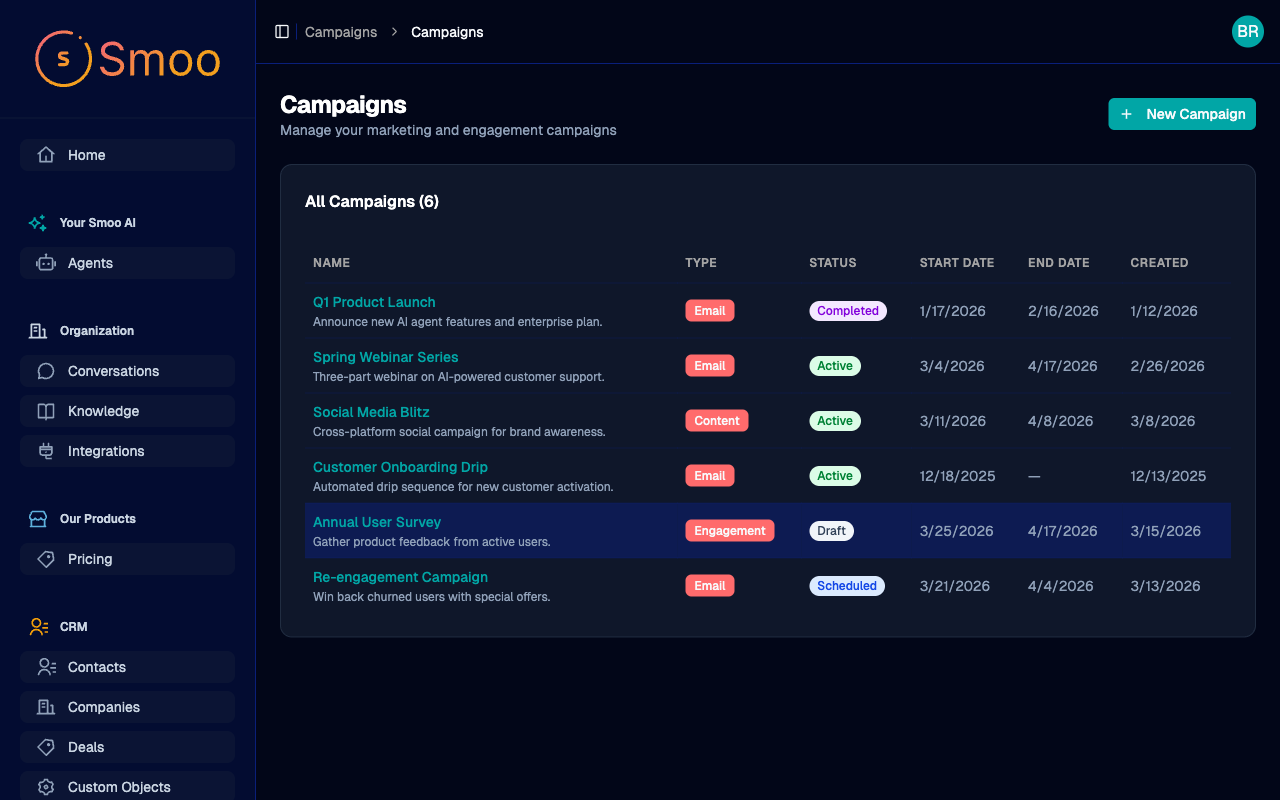
Ask how it did. Get the next draft.
It reads the report, explains the numbers, and writes the follow-up from them. The send to your list stays with you.
Send it, then hear back. From every person on the list.
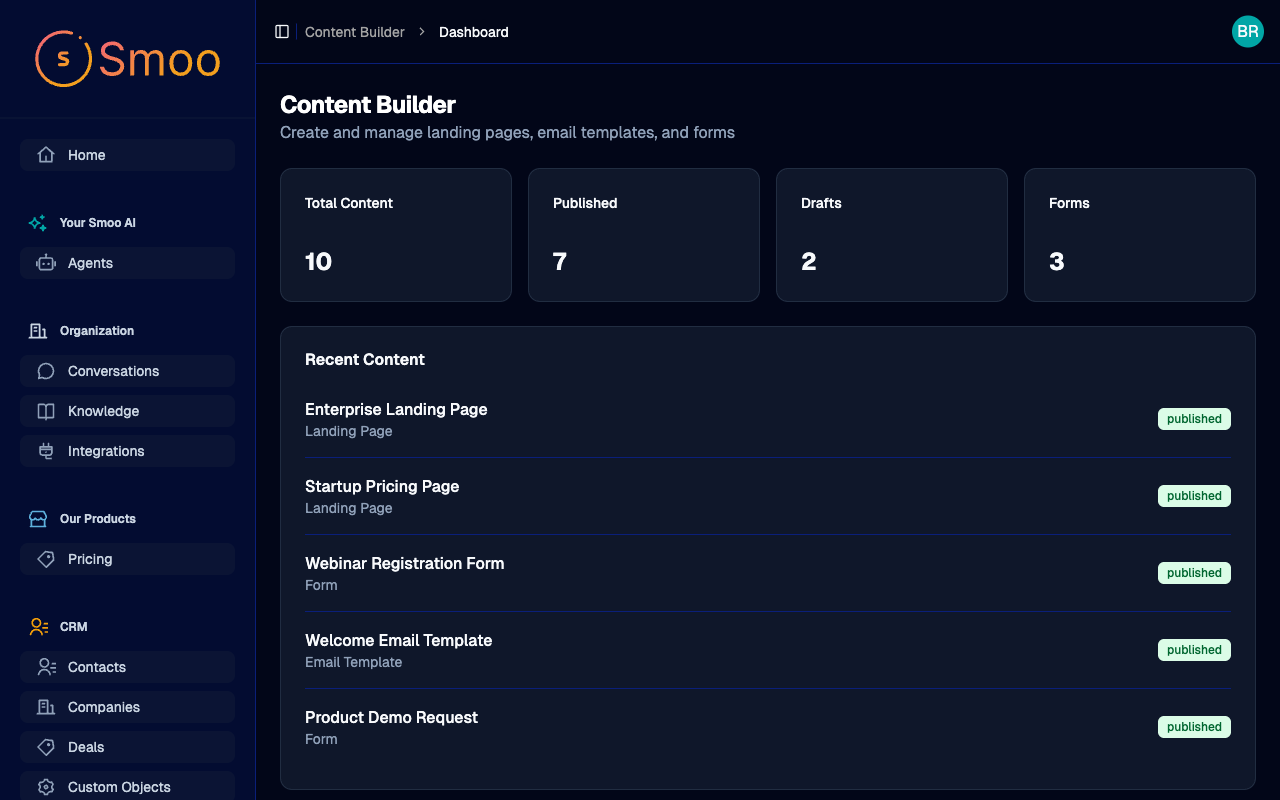
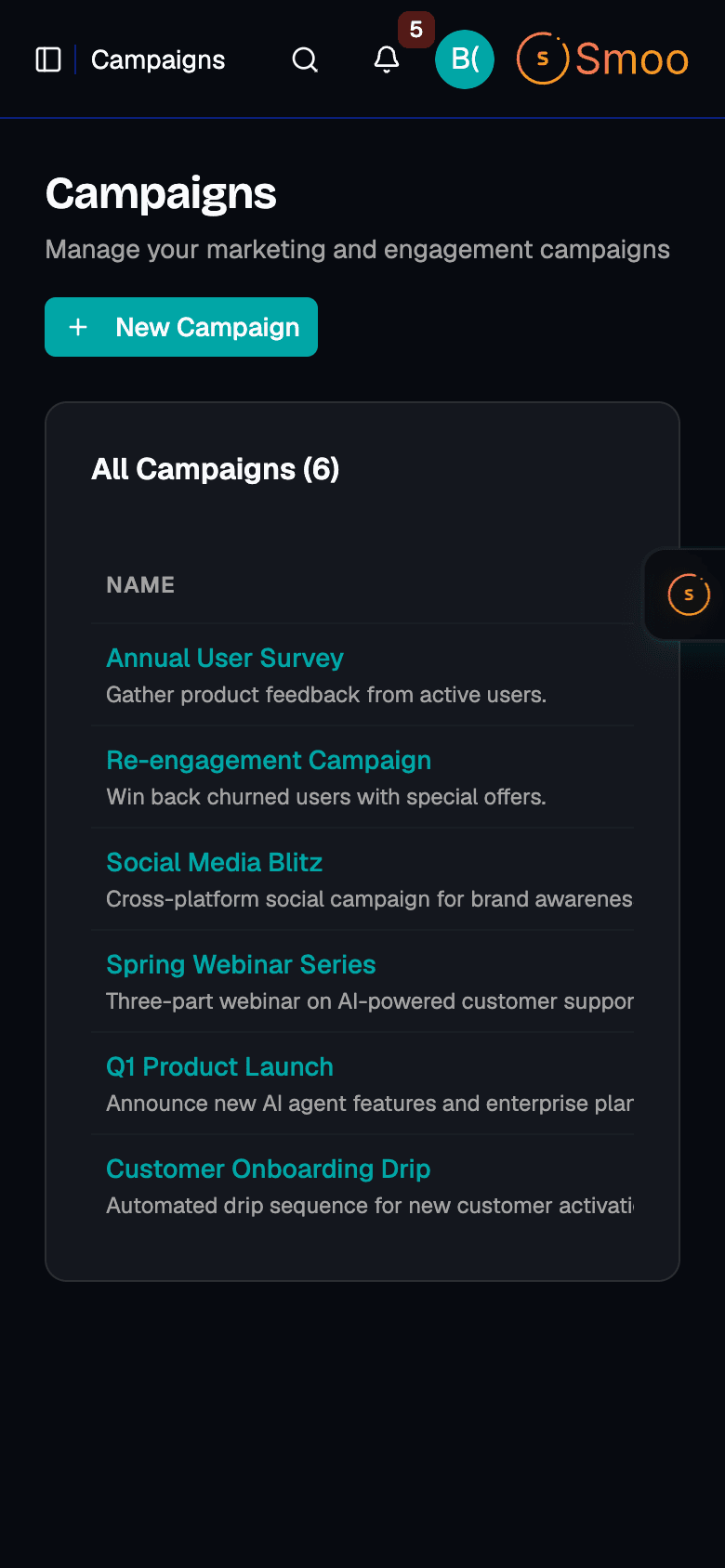
Every recipient has a story.
Email goes out through SendGrid, and each delivery, open, click, bounce and unsubscribe comes back onto the person it happened to.
Pick who hears about it.
Send to a fixed list, or to a saved filter over your CRM that stays current as contacts come and go.
One email or a series.
Build a drip: a few emails spaced out over days. Enroll people yourself, or when something happens, like a trial signup.
Unsubscribes stay unsubscribed.
Anyone who opted out is left out of the next send, so one click is all it takes them.
Drafted posts wait for a person.
Social posts the AI drafts sit in an approval queue. Nothing is scheduled until someone on your team approves it.
Plain-words reporting.
Ask “how did the spring invite do?” and get the sent, opened, clicked and bounced counts back in a sentence, not a spreadsheet.
The offer is on the chalkboard. The email is still in your head.

Twenty percent off every Saturday. Who knows?
Everyone who walks past the board knows. The four hundred people who left their email at the counter don’t, unless somebody writes it up, picks who gets it, and checks whether it worked.
That somebody is usually you, after closing. Smooth Operator takes the counting and the first draft, so the part left for you is deciding.
“We run email sequences and follow-ups from one place now. The AI writes the first draft and personalizes per segment — it saves hours every week on outreach to potential clients.”
Daniel French, Owner at French Financial
It owns the execution. You own the constraints.
Every tool has an off switch.
Org admins choose exactly what it may touch — turn off email sending and it can never send mail, for anyone.
It asks before it acts.
Outbound email, CRM writes, anything consequential — it drafts, you approve, edit, or decline. Nothing happens without your say.
Your team is one tap away.
Complex or sensitive conversations hand off to a person with the full history attached — escalation is a feature, not a failure.
Everything is on the record.
Every action it takes lands in the audit log with who, what, and when — review it any time.
Smooth Operator — allowed tools
Org admin · applies to every conversation
Answer from the knowledge base
Update CRM contacts & deals
Requires your approval before it runs
Send email
Requires your approval before it runs
Publish to social
Requires your approval before it runs
Activity log
Drafted follow-up to Aisha Patel · waiting on your approval · 2m ago
Escalated billing question to Sam · full history attached · 1h ago
Fair questions
The questions people ask first. Straight answers.
Will Smooth Operator email my whole list on its own?
No. It reports on a campaign, drafts the next email, and sends a test to you once you approve that. Choosing the audience and sending the campaign happen in Campaigns, by a person.
Where do the opens and clicks come from?
From SendGrid’s delivery events. Each one is recorded on the recipient it belongs to, so a report can tell you who clicked, not just how many.
Can I send a sequence instead of one blast?
Yes. A drip spaces emails out over days, and people can be enrolled by hand or automatically when something happens, like a trial signup.
Is Campaigns ready for my business?
Campaigns is in beta and on sale as an add-on. Email campaigns, audiences and drips are live today, and we watch every beta account closely.
Will this replace my team?
No. It does the counting and the first draft. Your team decides what the offer is, who hears about it and when, and the send button stays theirs.
How is this different from asking ChatGPT to write an email?
ChatGPT helps you think. Smooth Operator does the work inside your business: it reads your real campaign results, drafts the follow-up from them, and asks before it sends anything.