Change your company's email signature once. It's on the next email everyone sends.
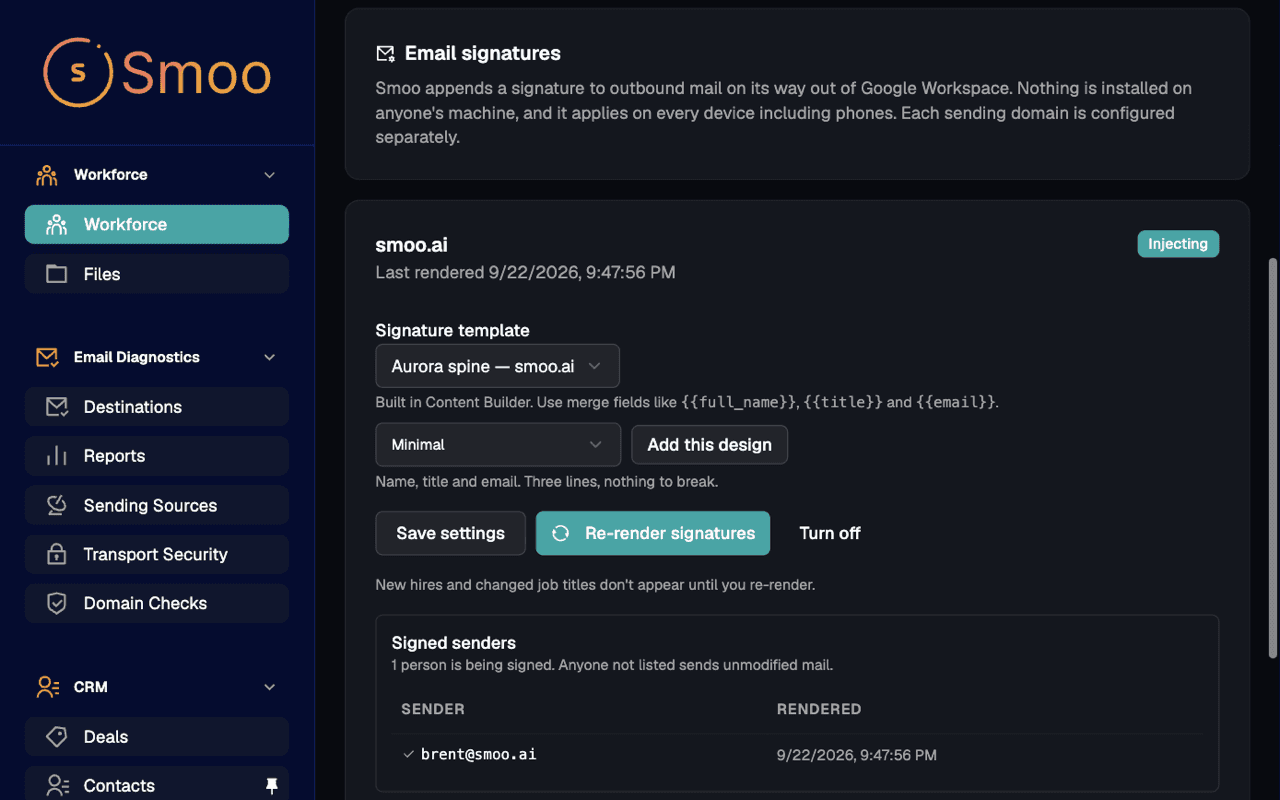
No more chasing people to paste the new logo, or replies signed “Sent from my iPhone.” Design one signature and Smoo fills in each person's name, title and phone number from your Google Workspace directory — then adds it to every email they send, from any device.
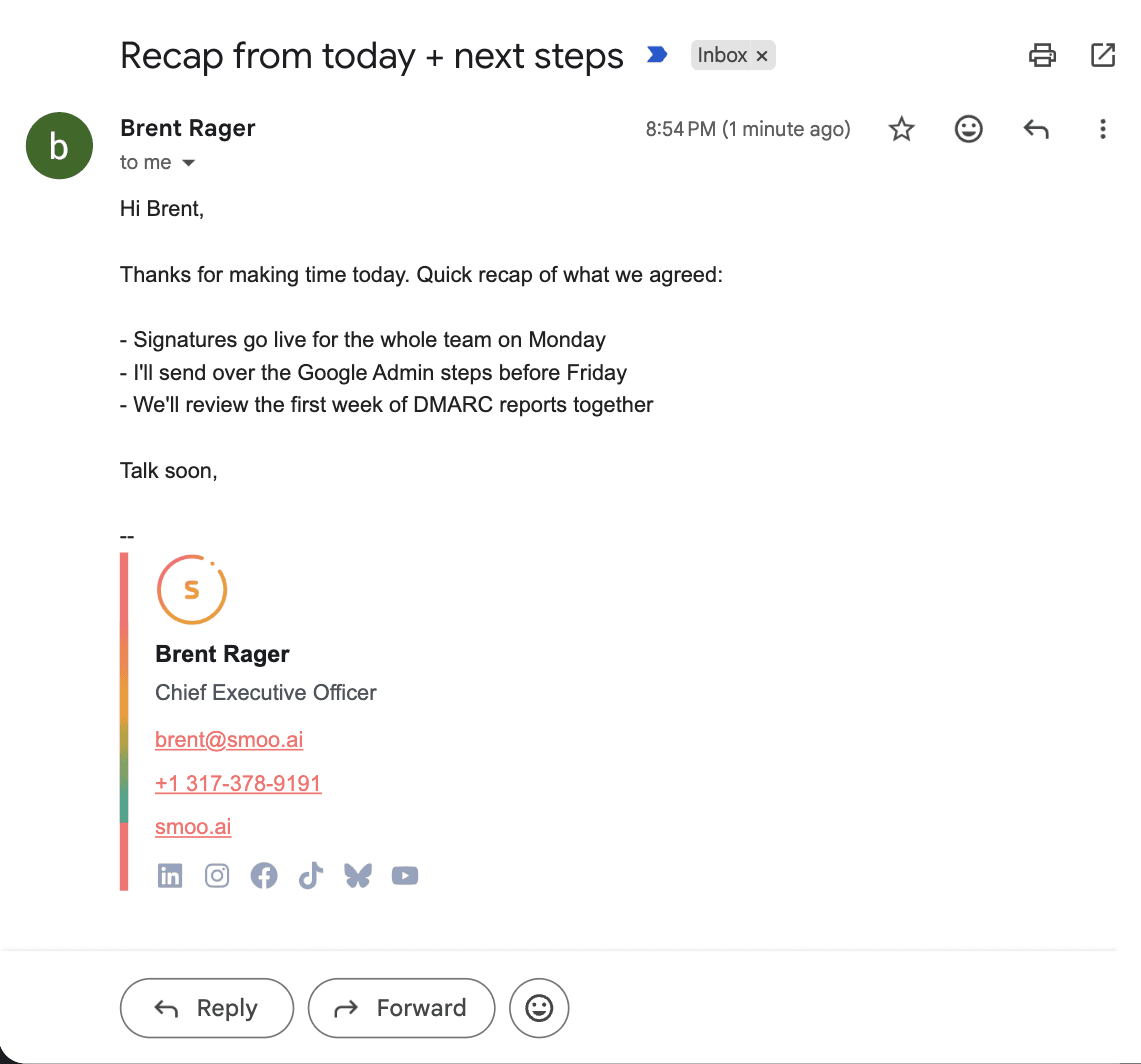
A real email from smoo.ai, as it landed in a Gmail inbox. Nobody pasted that signature — Smoo put it there.
How it works
Designed once. Signed everywhere.
Three steps, and the last one is automatic from then on.
Pick a design
Start from one of seven designs — Minimal, Standard, Logo left, Headshot, With social links, With disclaimer, or Aurora spine — and make it yours in Content Builder.
Render it for everyone
One click writes a signature for every person on the domain, with their name, title, department, email and phone numbers pulled from your Google Workspace directory.
Every email carries it
Smoo adds the signature as mail leaves Google, so it is there no matter where the email was written. Nobody installs anything.
Every device
Wherever they write it, it goes out signed.
Your team does not have to remember anything. The signature follows the account, not the app.
Gmail on the web
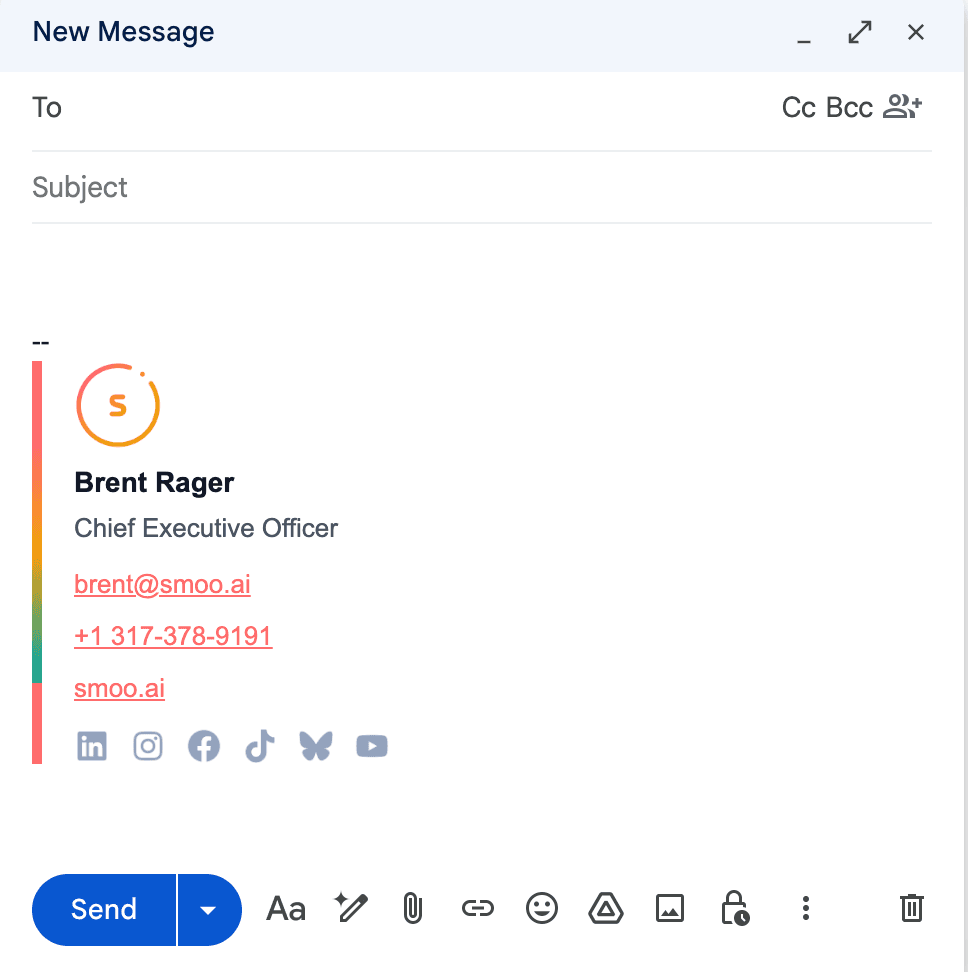
The signature appears in the compose window while you type, so your Sent folder matches what the recipient sees.
The Gmail app on your phone
A reply tapped out in an airport lounge carries the same signature as one written at a desk — no "Sent from my iPhone".
Any client on your Workspace account
Outlook, Apple Mail, a shared inbox tool — if it sends through your Google Workspace account, it gets signed.
Deliverability
A better signature shouldn't cost you the inbox.
Changing an email in transit normally breaks the DKIM signature that tells Gmail and Outlook it really came from you. Smoo removes the stale signature before handing your mail back, so Google signs the final version.
10/10
mail-tester score for signed mail from smoo.ai
dkim=pass
signed by smoo.ai after the signature is added
dmarc=pass
under a p=reject policy, so forwarded copies still land
Want to see how your own domain scores? Email Deliverability checks it and reads the reports Gmail and Outlook send about your mail.
You stay in control
Your signature, on your terms.
Built for the person who gets the call when email breaks.
Employees can't edit it away.
The signature is added after the email leaves their mail client, not inside it.
Encrypted and digitally signed mail is never touched.
S/MIME, PGP and calendar invites pass through unchanged — changing them would break them.
If Smoo is unreachable, Google holds your mail and retries.
Our relay answers with a temporary failure, never a rejection, so an outage makes mail late — not lost.
Fair questions
What IT asks before switching it on.
Do my employees need to install or change anything?+
No. The signature is added as mail leaves Google Workspace, so there is no add-in, no browser extension and nothing to paste into Gmail settings. In Gmail on the web it also shows up in the compose window automatically.
Will a signature added in transit hurt my deliverability?+
It would if it were done carelessly — changing a message breaks the DKIM signature Google put on it. Smoo removes that stale signature before handing the message back, so Google signs the final version. On smoo.ai, which runs on this, mail-tester scores our signed mail 10/10 with DKIM passing. You can check your own domain with Email Deliverability.
What happens when someone changes jobs, or a new person joins?+
Names, titles and phone numbers sync from your Google Workspace directory. Click Re-render and the next email each person sends carries the update. Until you re-render, a new hire sends mail without a signature rather than with someone else’s.
Does it work with Microsoft 365?+
Not yet. Today Smoo signs mail sent through Google Workspace — from any client, including Outlook connected to a Workspace account. Microsoft 365 tenants are not supported.
Does the signature go on replies too?+
Yes — every message, including replies and forwards. A first-message-only mode is not available yet.
How long does setup take?+
One mail routing rule in Google Admin, once for your whole Workspace — even if you send from several domains. The Signatures screen lists the exact steps and the values to paste, and we are happy to do it with you on a call.
Can different teams have different signatures?+
Each domain gets its own design, so smoo.ai and a sister brand can look different. Per-department variants within one domain are not available yet.
Stop chasing signatures. Change it once.
Pick a design, connect your Google Workspace directory, and add one routing rule. From then on, a new logo or a new phone number is one click away from every inbox your team writes to.
Set it up with us
Tell us about your team and we'll walk through the Google Admin setup and your first signature together.
By submitting this form, you agree to our Privacy Policy and Terms of Service.